I built this because
I needed it.
I’m Jason Gouliard. I’ve led product design teams at Google, Microsoft, Shopify, Meta, and Square. Hot Takes is the tool I kept wishing existed: real feedback on a real build, from the people steering the project.
My teams stopped making mockups.
Designers on my teams skip Figma now. They go straight to code: SwiftUI, AI-assisted, running on a real phone by the end of the week.
The work is further along than a mockup ever was, and it is running on the device it was made for. What went backwards is everything that happens after you hand it to someone.
Stakeholder reactions came back as Slack threads, camera-roll screenshots, and hallway summaries of something a VP said. Nothing was tied to the build, the screen, or the person who said it.
By the time a reaction reached the designer it had lost the one thing that made it useful: what was on screen when someone had it.
I wanted Figma-quality feedback on the compiled app. No tool did that. So I built it.
Jason Gouliard, founder. Every screen on this page is the shipping product, captured inside a real build.
One job, on purpose.
Hot Takes is not a design tool, a prototyping tool, or a research platform. It does one thing: it gives your stakeholders an easy way to deliver feedback from within your app.
Captures happen while a stakeholder is using your build on their own device. Not a mockup, not a browser stand-in. One line of Swift puts the capture tools inside the app you already ship, simulator included, and there is nothing for a reviewer to install.
Every take is attributed to a real, email-verified stakeholder. No anonymous drive-bys, no guessing who meant what. Reviewers come with the plan: 2 per project on Free, 5 on Starter, 25 on Pro, and anyone you want reading the gallery is free.
Screenshots and narrated recordings land in one per-project gallery instead of scattering across Slack, texts, and camera rolls. Recordings carry live voiceover, so you hear the thinking and not just the conclusion.
 0:58
0:58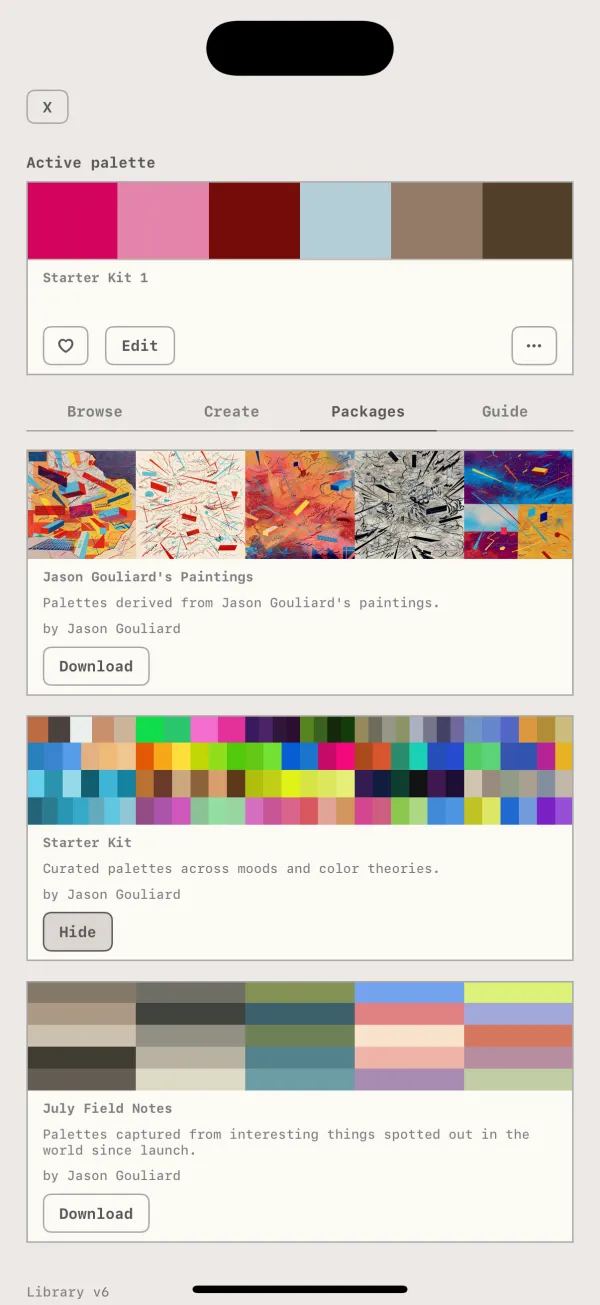
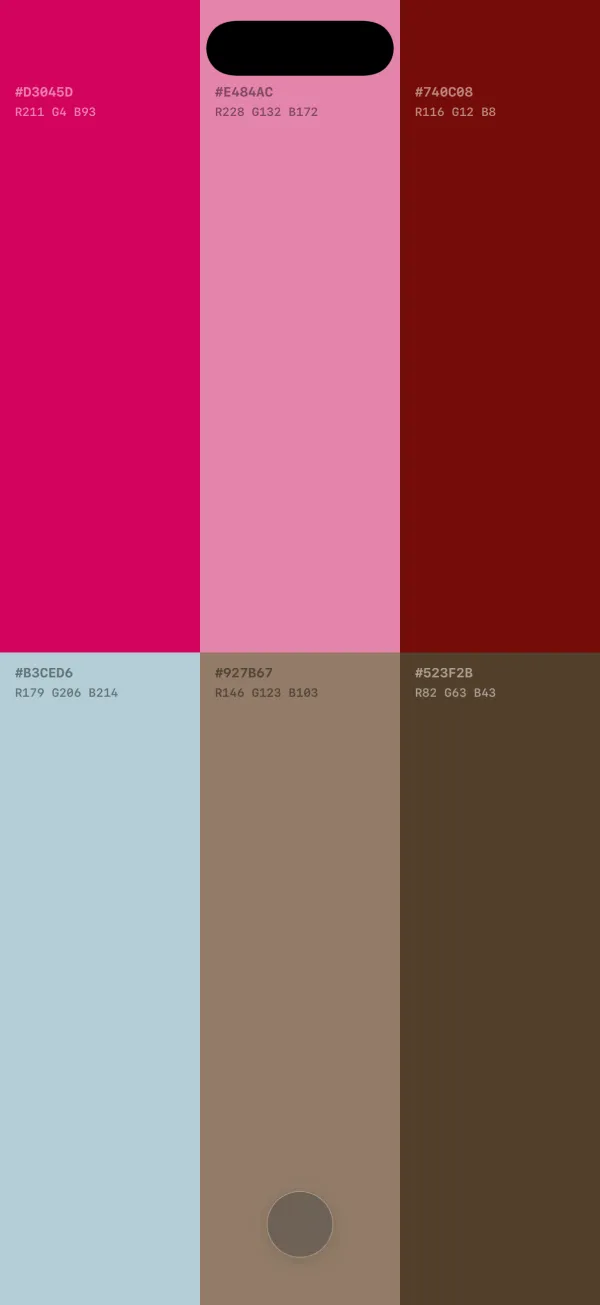
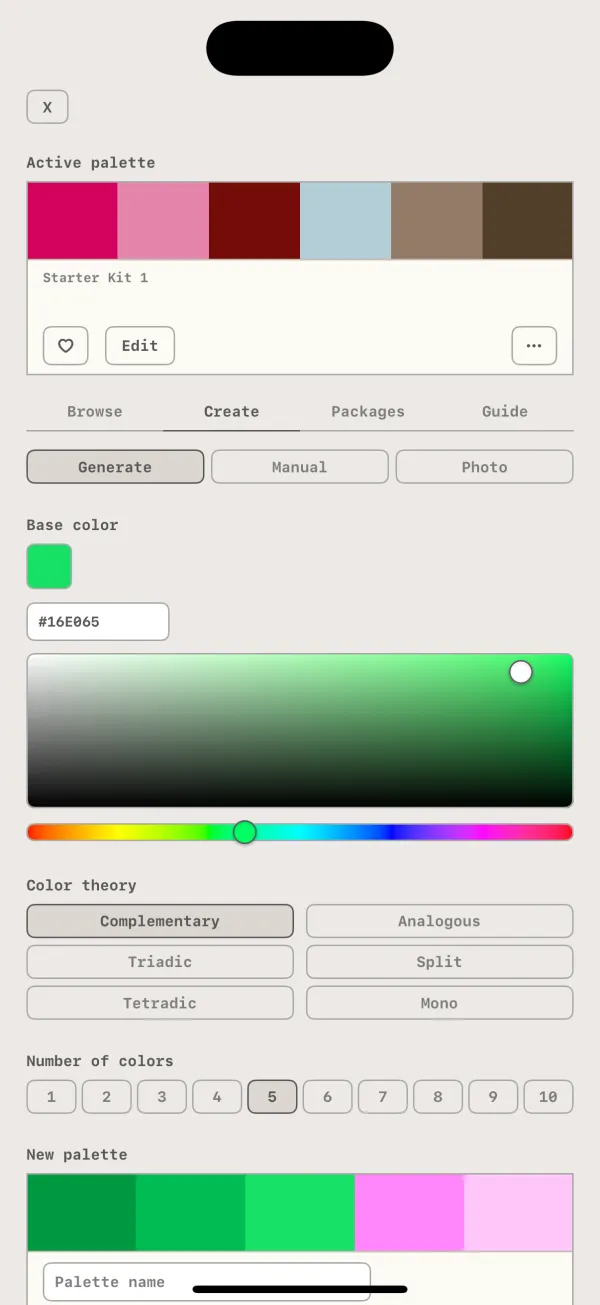
Three takes from one project, in the same card the gallery gives them: who sent it, when, and which kind.
One project, one place, grouped by screen.
Takes arrive and file themselves next to the others from the same screen, so a project reads as a storyboard of your prototype in flow order. Nobody sorts or renames anything.
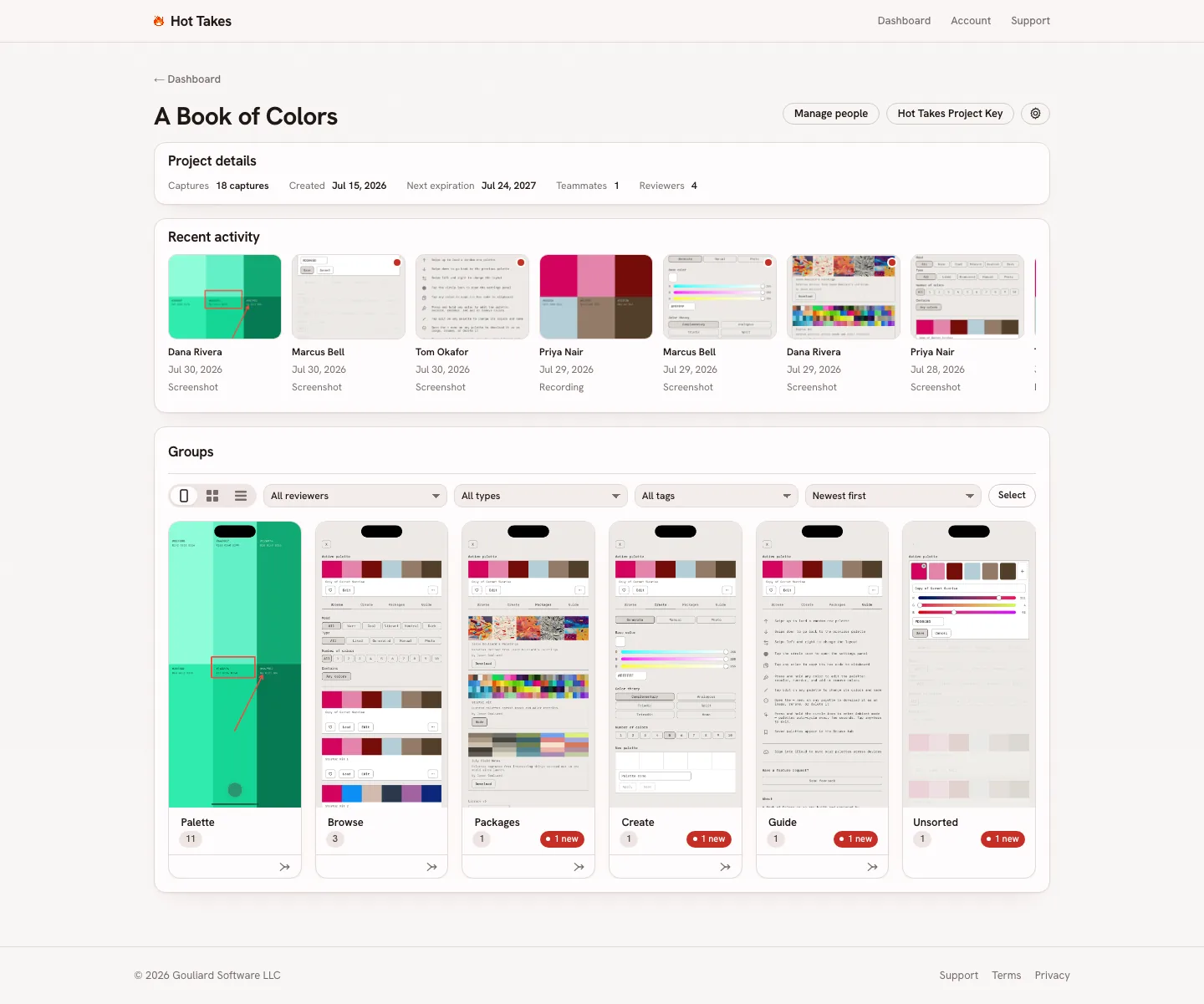
- Storyboard view Takes auto-grouped by screen
- Filters By reviewer, type, or tag
- Unsorted Takes that can’t be auto-grouped park here
The tools you already use are good. Keep them.
Most of these are excellent at their own job. None of them do this one: reach a native build on a device without asking anyone to install something separate.
| Tool | What it’s built for | Reaches your native build, on a device? |
|---|---|---|
| Hot Takes | Annotated screenshots and narrated screen recordings from inside a running iOS prototype, tied to verified stakeholders, in one gallery. | Yes: that’s the whole job. |
| Figma and Figma comments | Design files and web-based, clickable prototypes. | Not directly: comments live on the file or the web prototype, not on a compiled app running on a phone. |
| Maze | Structured usability studies, moderated or not, via Maze Participate, a dedicated mobile app for running tests on-device. | Not directly: participants install a separate app and run a structured study in it, not your own build. |
| Useberry | Moderated and unmoderated usability studies against clickable prototypes. | Not directly: built to study a prototype running in a browser, not a native build. |
| UserTesting | Moderated sessions with testers recruited from a panel. | Different job: feedback from a recruited panel, not from your own named stakeholders on your own build. |
| Raw TestFlight feedback | Apple’s built-in screenshot capture, forwarded to App Store Connect. | Yes, but with none of the tooling around it: no video recording or annotations, no auto grouping of feedback, no gallery, no team flow. |
| Loom | Async screen recording of anything on your computer or device. | Not in context: recorded outside the app, with no device or app metadata attached to what you’re watching. |
Nothing here replaces the tool above it. Hot Takes starts where they stop: the moment the work is compiled and on somebody’s phone.