From a tap to a take, without leaving the app.
Every Hot Takes capture starts with one small pill floating over whatever your stakeholder is already looking at, and ends with them right back where they started. Here is the whole path.
Five moves, and none of them leave the build.
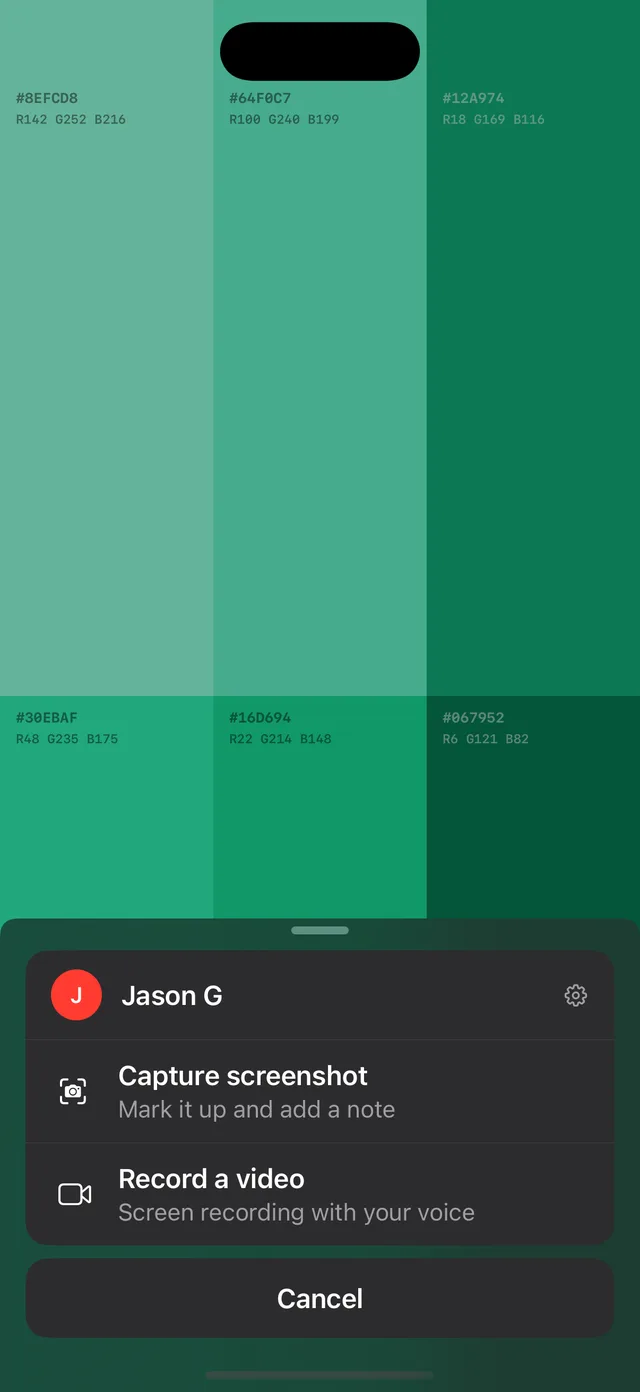
It starts with a pill, not a menu.
No separate app to open, no context to lose. The pill sits quietly over the build, and one tap turns whatever is on screen into a take. It is not pinned to a corner either: stakeholders drag it clear of whatever they are reviewing, and it stays put for next time.Shown here being dragged around a live build.
Screenshot, or say it out loud.
One tap opens two ways to react: mark up the current screen, or record it with live narration in their own voice. Whichever fits the moment.
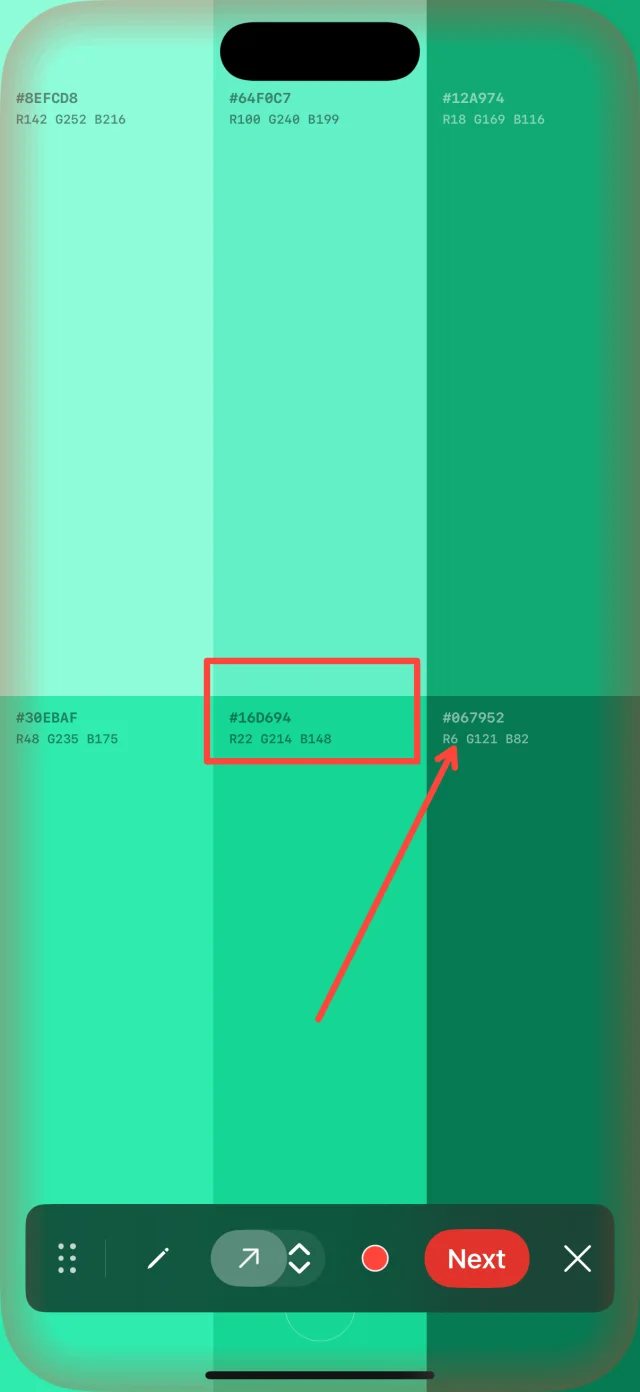
Point at exactly what they mean.
Pen for freehand marks, shapes for arrows and boxes, any color from the color picker. The same tools sit in both flows, on a frozen screenshot or over a running recording. What changes is how long the ink stays.On a screenshot, marks land on a frozen frame and stay exactly where they were drawn.
One toolbar, two modes.
for the annotation
- Markup Boxes, arrows, and ink stay put on the frame
- Pen Freehand ink
- Shapes Choose between the arrow or the box tool
- Color picker Pick the right color for the annotation
- Fading marks While recording, markup like boxes, arrows, or freehand drawings fade a beat after they land, so you can move on to the next piece of feedback
- Recording Elapsed time on the bar, live voiceover the whole way
Or they just talk through it.
Same pen, same shapes, same color picker, over a running screen instead of a frozen one. Their voice records with it, so you hear the thinking, not just the conclusion.
Marks fade a beat after they land, so nothing stays stuck over the build while your stakeholder keeps moving and talking through it.
Then it sends itself, and they stay put.
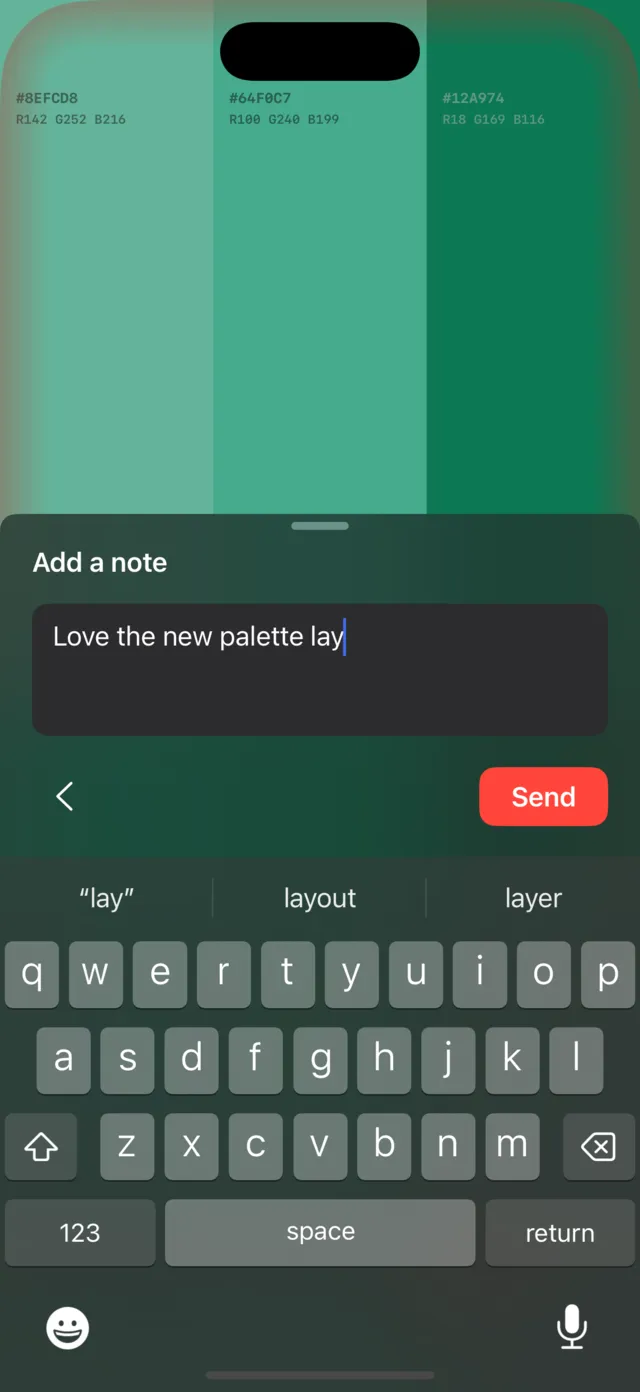
A word or two, if they want.
An optional note to add some context if necessary.
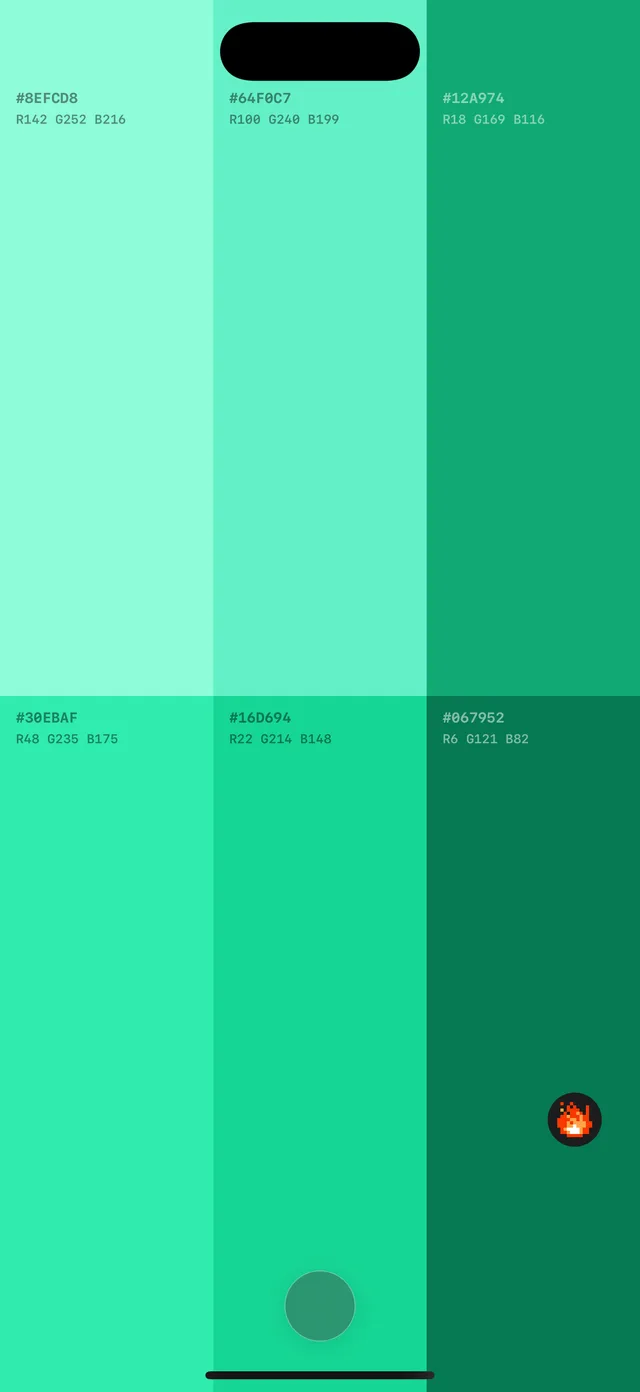
Sent, and back to browsing.
One tap and it is on its way to the gallery, attributed to them. No dialog to dismiss, no app to switch out of: they land right back where they started.The pill is exactly where they left it, ready for the next one.
Put this in front of
your stakeholders.
One line of Swift. Feedback that stays exactly where the work is.